



Details description |
|---|
|
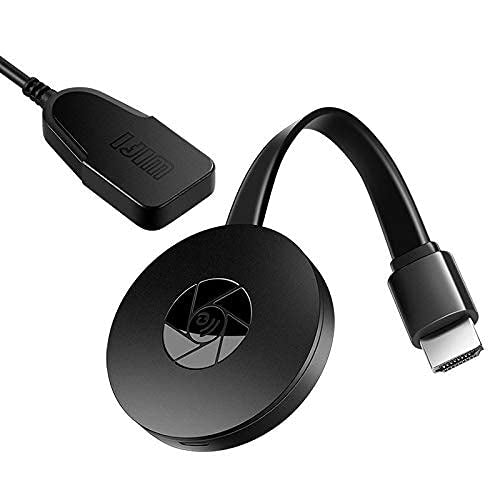
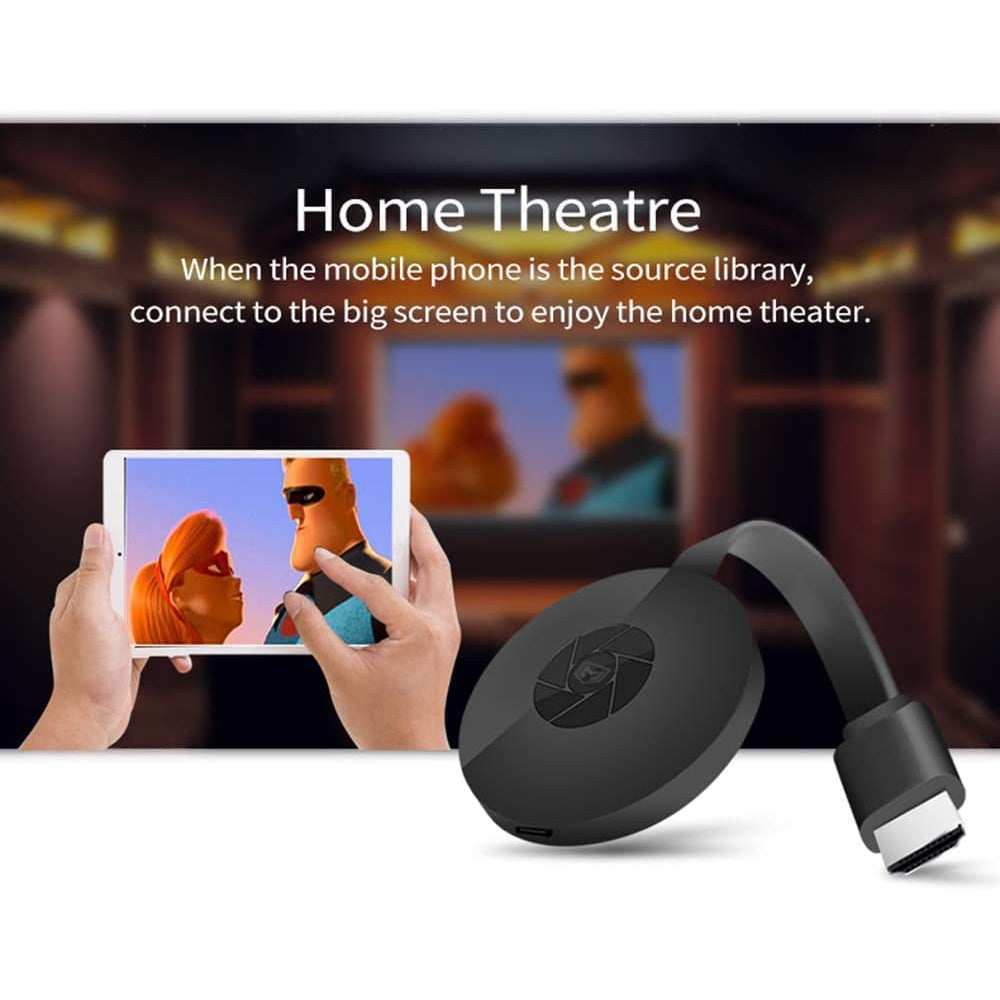
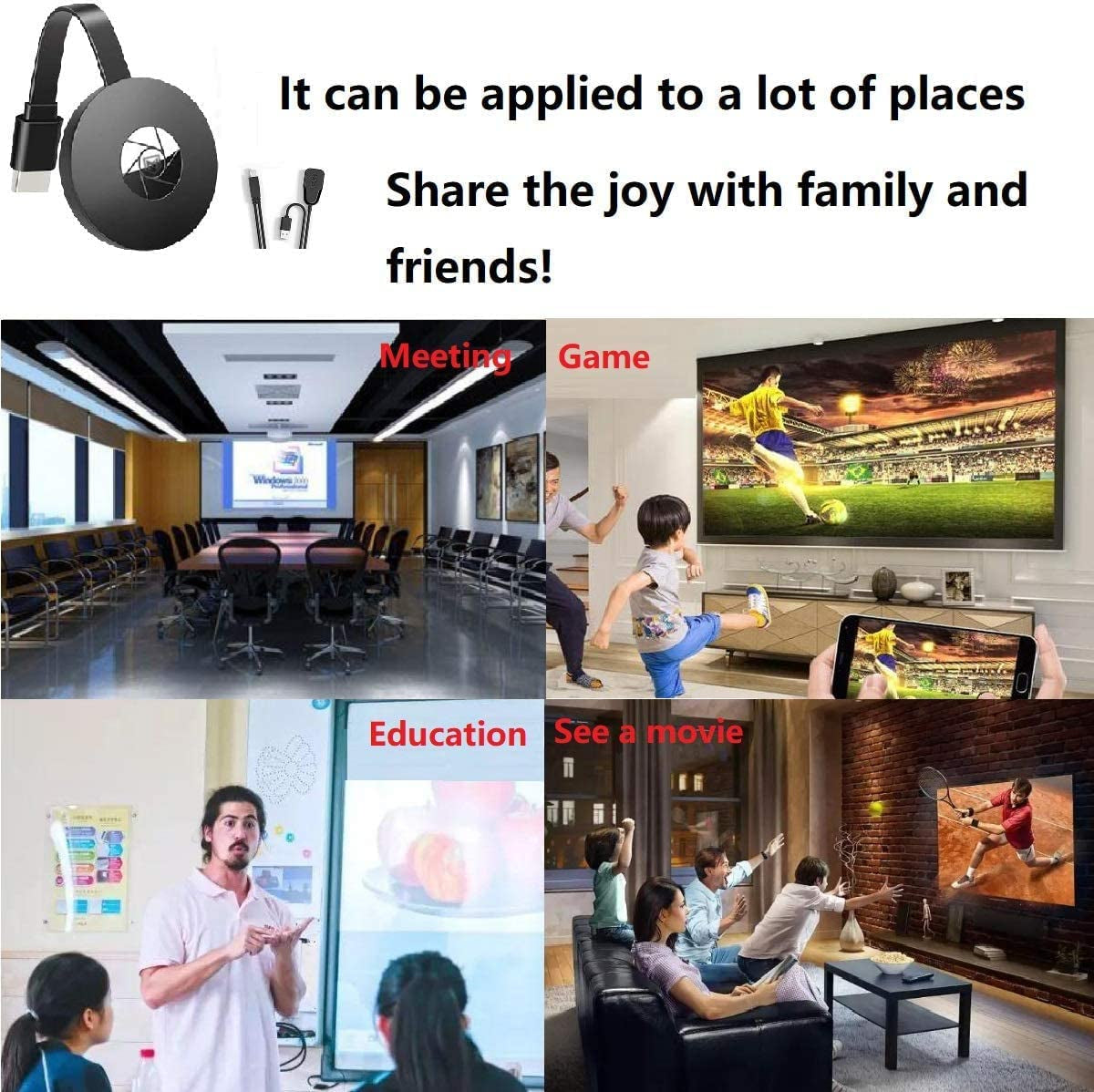
Transform your regular TV or projector into a smart display with the Wireless WiFi Display Dongle. This 1080P HDMI TV stick supports screen mirroring and is compatible with various devices including Android, Mac, iOS, and Windows. Perfect for home entertainment, business presentations, and educational purposes, this dongle offers a seamless way to enjoy content on a larger screen.
Key Features:
HD 1080P Display:
Enjoy clear and vivid images with full HD 1080P resolution. The dongle provides high-definition display for all your media, including videos, games, music, and photos.
Screen Mirroring:
Easily mirror or cast content from your smartphone, tablet, or PC/Mac to HDMI-equipped devices such as TVs and projectors. Ideal for home entertainment, business meetings, and educational sessions.
Multi-Compatibility:
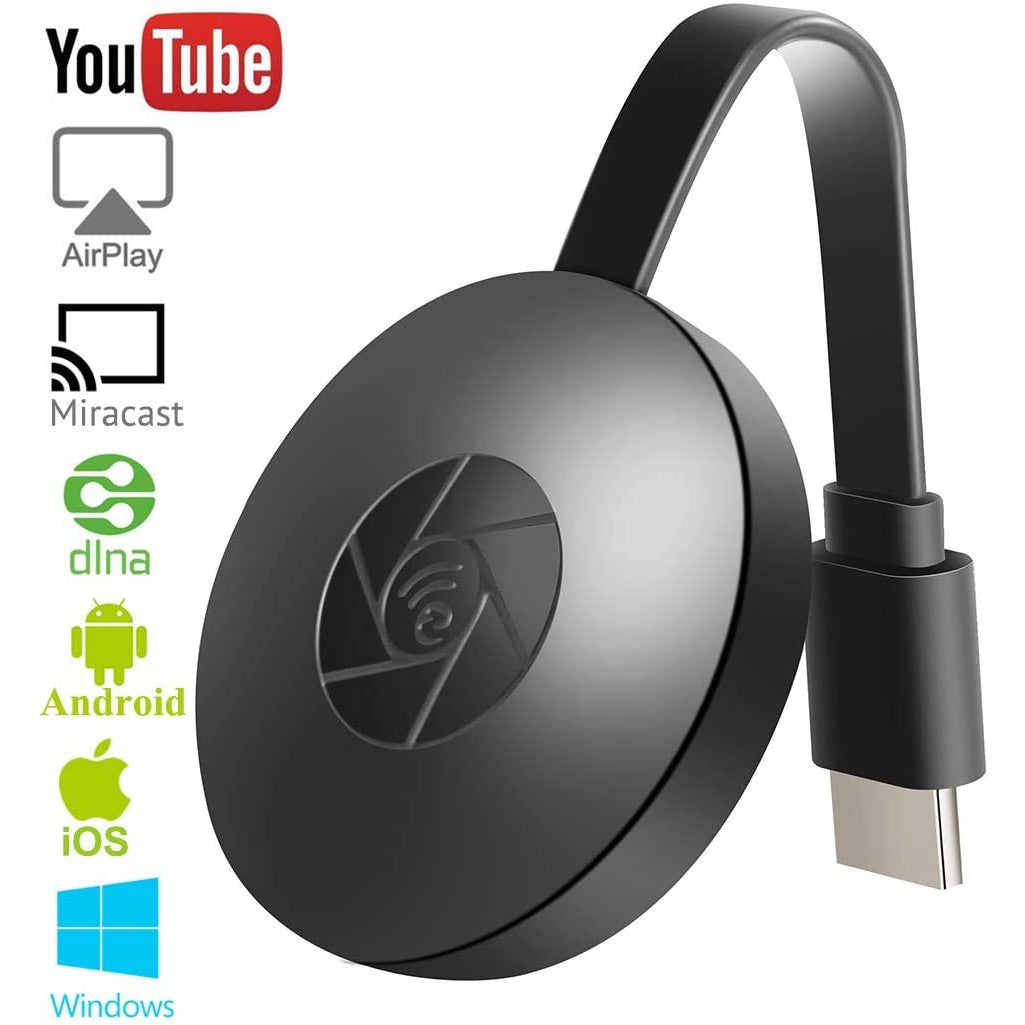
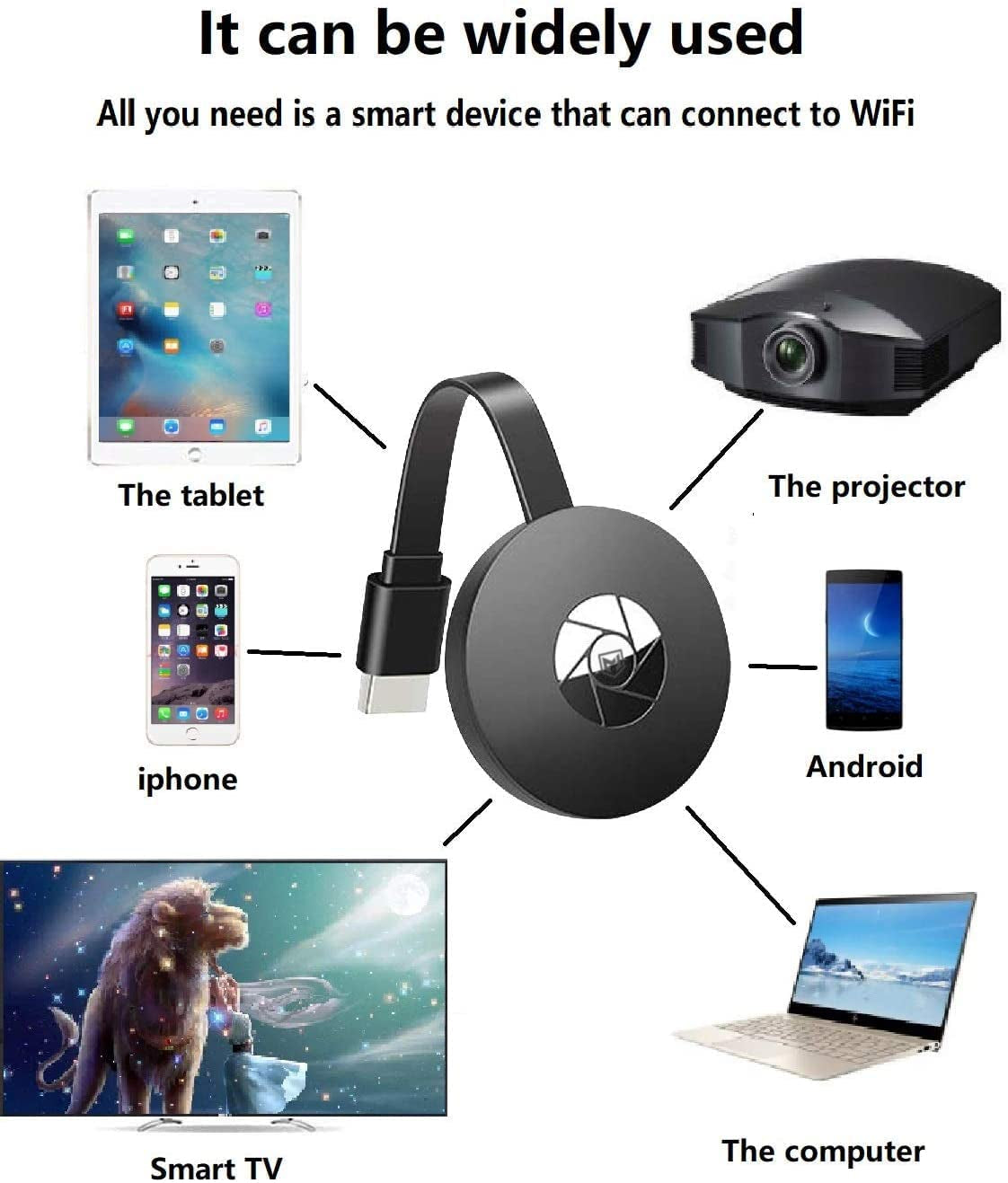
Compatible with a wide range of devices, including those running Android 5.0+, iOS 8.0+, Windows 8.1+, and Mac OS 10.10+. Supports Miracast, Ezmira, Airplay, and DLNA.
Stable Signal with External Antenna:
Features a 3m WiFi signal antenna for more stable connectivity compared to other devices. Supports Wi-Fi 802.11b/g/n on the 2.4GHz band.
Easy Setup:
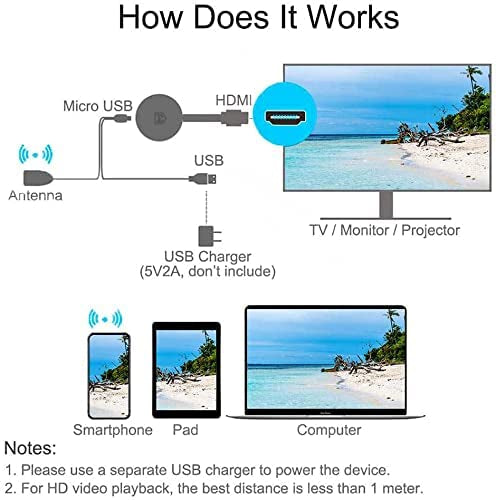
Plug-and-play functionality with no need for additional drivers or apps. Simply connect the dongle to your TV’s HDMI port, power it up with a 5V/1A or higher power supply, and follow the on-screen instructions.
Device Limitations:
Compatible with most apps, but some subscription services like Netflix, Hulu, Amazon Prime Video, and Disney+ may not work due to HDCP (High-bandwidth Digital Content Protection) restrictions.
Versatile Use:
Suitable for a variety of applications including streaming video, web surfing, photo viewing, live camera sharing, and more.
Installation Instructions:
Power Up:
Turn on your TV and connect the dongle to a USB adapter (5V2A) using the included USB cable. Place the WiFi receiver in an area with good WiFi reception.
Connect to TV:
Insert the dongle into an available HDMI port on your TV. Set your TV’s Source/Input selection to the HDMI port connected to the dongle.
Setup:
The dongle will power on and display setup instructions on your TV screen. Follow these instructions to complete the setup process.
Keywords:
Wireless WiFi Display Dongle, 1080P HDMI TV Stick, Screen Mirroring, Miracast Compatible, Android iOS Windows Compatibility, HD Display Adapter, Easy Setup HDMI Dongle, WiFi Signal Antenna, Media Streaming Device
The Wireless WiFi Display Dongle 1080P HDMI TV Stick Screen Mirroring Miracast Compatible with Android, Mac iOS, Windows is the product you didn't think you need, but once you have it, something you won't want to live without.
|

No review yet!





Gauba Traders
(0)
1889 Products
0%
Positive review


